Просмотр новости
Найдите то, что Вас интересует
 Спутники
 РН
РН SpaceX
 Роскосмос
 NASA
NASA
СпутникиРНSpaceXРоскосмосNASAAfter the preview at I/O 2026 in May, Gemini for macOS is now rolling out advanced voice control capabilities.
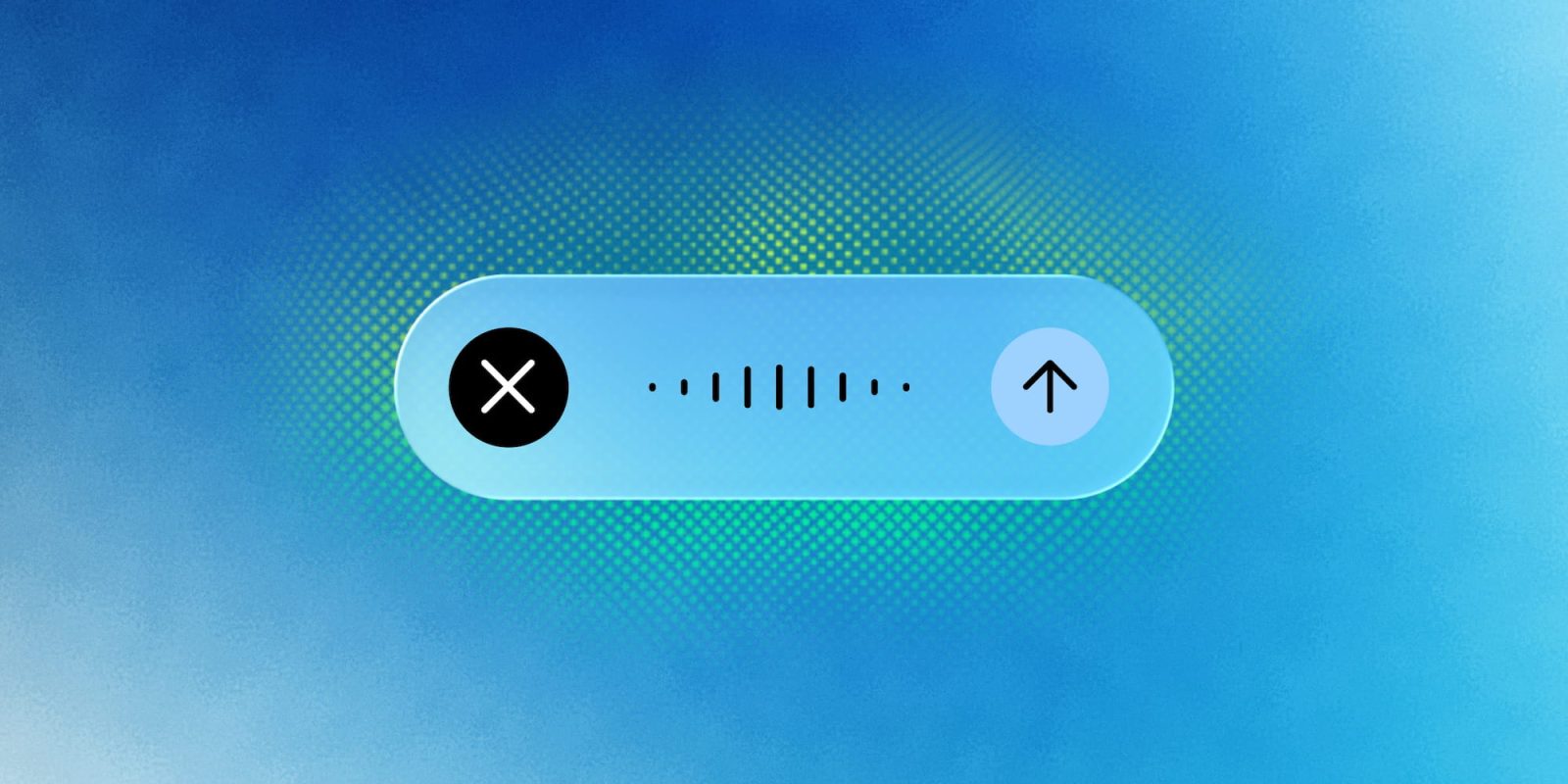
After the preview at I/O 2026 in May, Gemini for macOS is now rolling out advanced voice control capabilities.
Google bills this as letting you “speak naturally into any window on your desktop,” with two key features.
The first is intelligent dictation that transcribes “spoken words into clean, polished text.” Gemini automatically removes “umm” and “ah,” while accounting for your mid-sentence corrections to capture the gist of what you’re saying.
The formatted text is entered at your current cursor position. This should offer a speech-to-text experience that’s similar to Gboard Rambler on upcoming Gemini Intelligence phones.
The other capability goes beyond transcription by understanding the context of your current screen to perform complex tasks. This opt-in functionality requires you to enable Gemini reasoning in app settings.
Long-press the Fn key wherever you are in macOS to activate, or tap the new screen sharing button at the end of the “Ask Gemini” prompt box. Gemini will show a floating pill that houses a waveform at the bottom of your screen.
Make sure you’ve updated to the latest version (1.88) of Gemini for macOS. This new voice capability is still rolling out globally to all users in English and more languages are “coming soon.”


FTC: We use income earning auto affiliate links. More.
| # | Наименование новости | Тональность | Информативность | Дата публикации |
|---|---|---|---|---|
| 1 | Gemini Spark rolling out to macOS app for local tasks, automation | 0 | 5 | 30-06-2026 |
| 2 | Gemini for macOS gets Neural Expressive, AI Mode on Android redesigned | 0 | 12.29 | 21-07-2026 |
| 3 | No More Window Switching: Gemini App for Mac Now Understands Your Active Screen and Voice Shortcuts | 0 | 4.02 | 30-07-2026 |
| 4 | The better way to use Gemini on the Mac | 0 | 10 | 05-06-2026 |
| 5 | Gemini app for macOS adding send and read iMessage integration | 0 | 18.26 | 18-09-2026 |
| 6 | Gemini Spark gets Workspace upgrades as Google teases AI Pro access soon | 0 | 12.78 | 15-07-2026 |
| 7 | Gemini app for macOS gets new icon and hotkey screenshot shortcut | 0 | 5 | 12-06-2026 |
| 8 | Gemini app simplifies thinking level picker, rolling out settings for ‘Notifications’ | 0 | 12.34 | 28-07-2026 |
| 9 | Gemini Spark rolling out to Google AI Pro users in the US | 0 | 7.75 | 23-07-2026 |
| 10 | Google launches Gemini 3.5 Transcribe, which powers Gboard Rambler & is coming to Chrome | 0 | 31.6 | 26-08-2026 |