Просмотр новости
Найдите то, что Вас интересует
 Спутники
 РН
РН SpaceX
 Роскосмос
 NASA
NASA
СпутникиРНSpaceXРоскосмосNASA
I tested Microsoft’s fanless Surface Pro and Surface Laptop with Snapdragon X2 Plus. From Blender renders to zero throttling, here is my hands-on impressions.
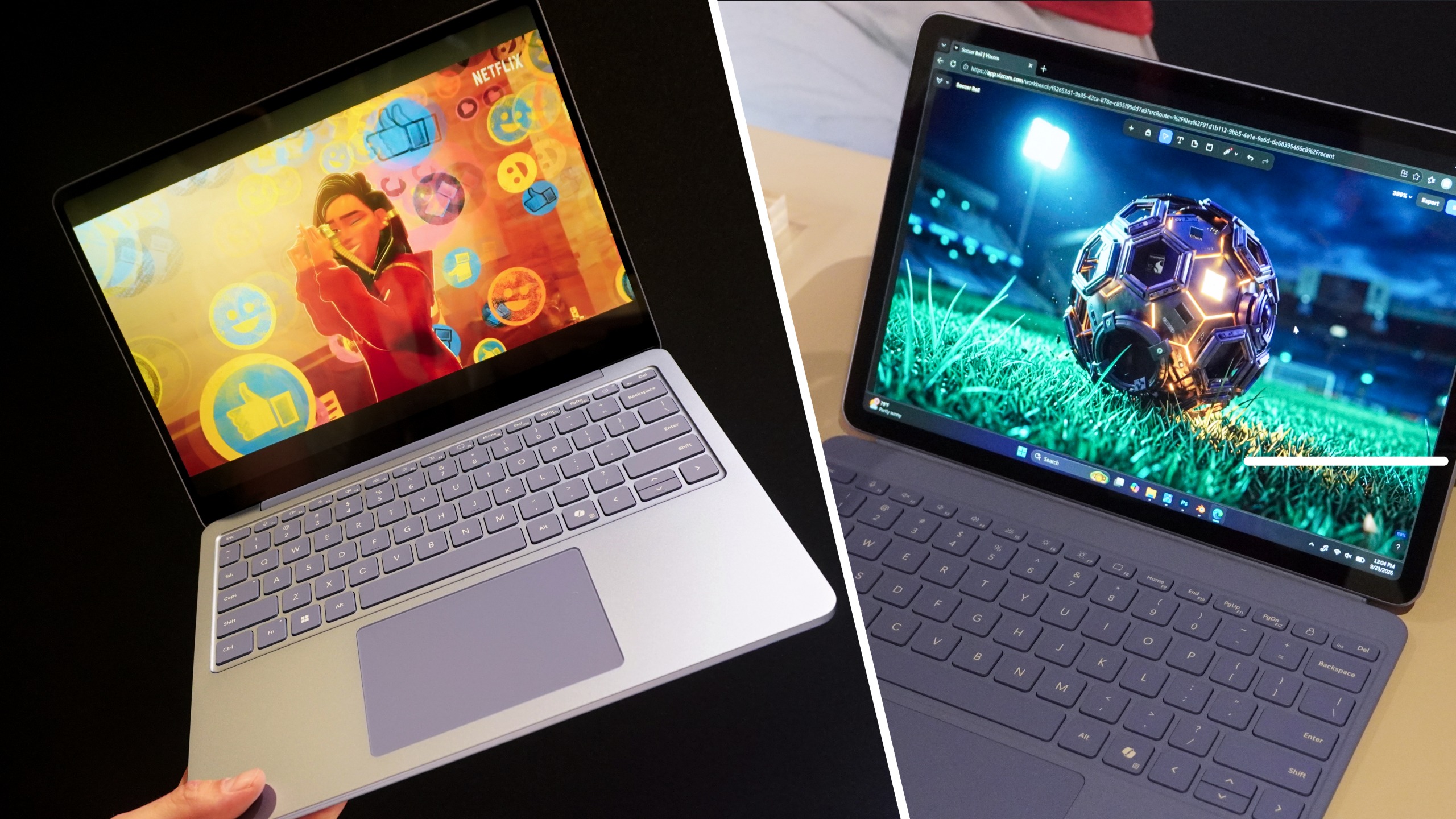 (Image credit: Future)
Apple has long owned the blueprint for thin, light, silent computing with the MacBook Air. It’s the benchmark that we compare every skinny Windows notebook to, and the Cupertino crew always ends up on top for staying ice-cold under sustained multi-app workloads and delivering all-day endurance.
However, Microsoft just announced a new Surface Pro 12-inch ($1,149) and Surface Laptop 13-inch ($1,199) with Snapdragon X2 Plus — launching October 13th. And in my short time testing them, they look set to change that dynamic.
Beyond the real nice aluminum designs, stellar displays and strong ergonomics, I juggled heavy creative workflows without even a whimper of pressure. After seeing Blender run and the surface of the…Surface remained cool, it is clear that Microsoft finally has legitimate MacBook Air challengers on its hands.
Cold under pressure
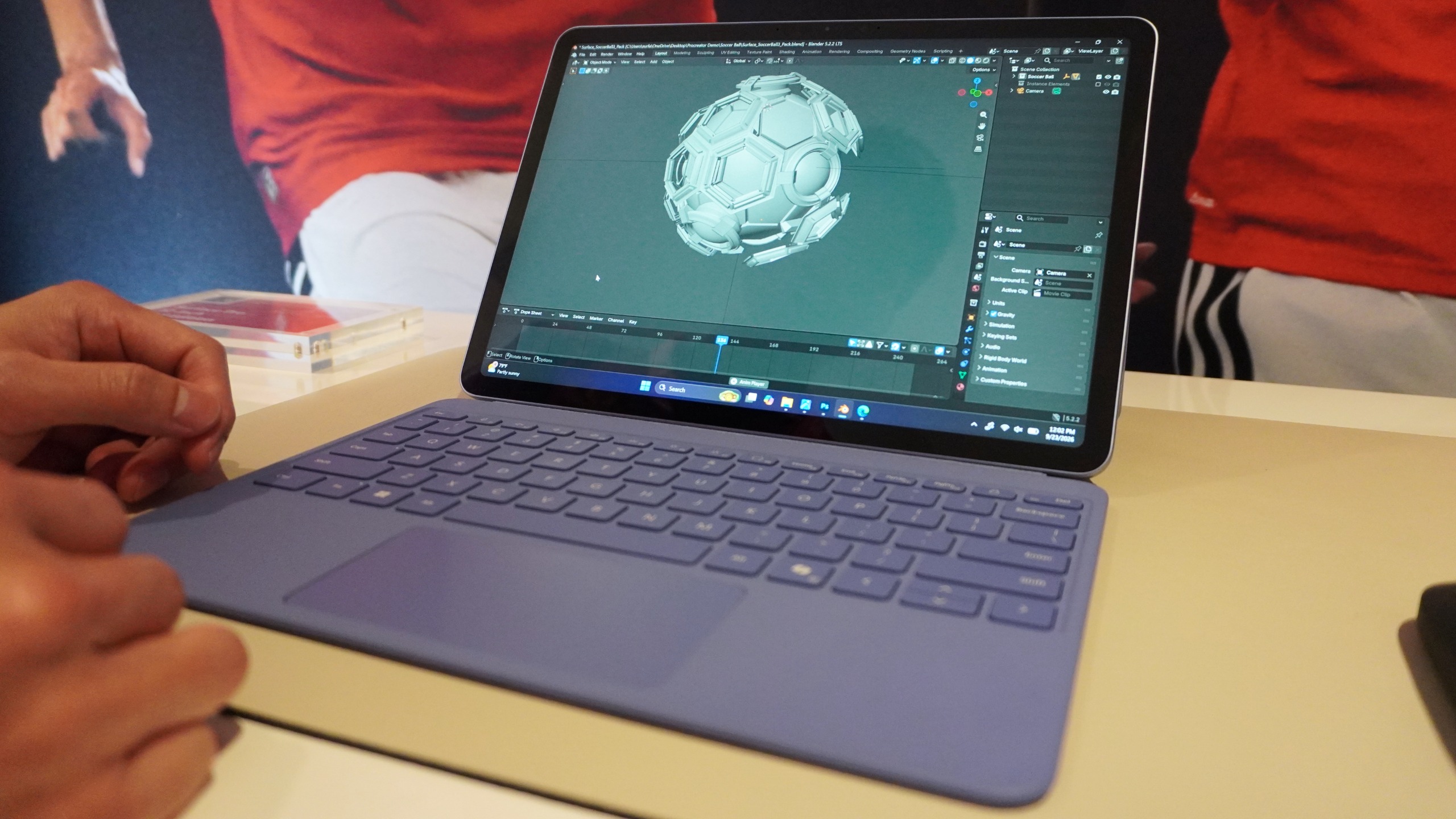
Let’s get into the marquee achievement here — that thermal management. Both the Surface Pro and Surface Laptop lack active cooling fans, and use dense cooling pipes instead. In past generations, fanless designs inevitably meant thermal throttling and scorched aluminum chassis. No longer.
During my hands-on time, the hardware was subjected to a rigorous creative pipeline:
All three resource-intensive applications remained open and active simultaneously in the background. Navigating between them was instantaneous with zero perceptible stutter.
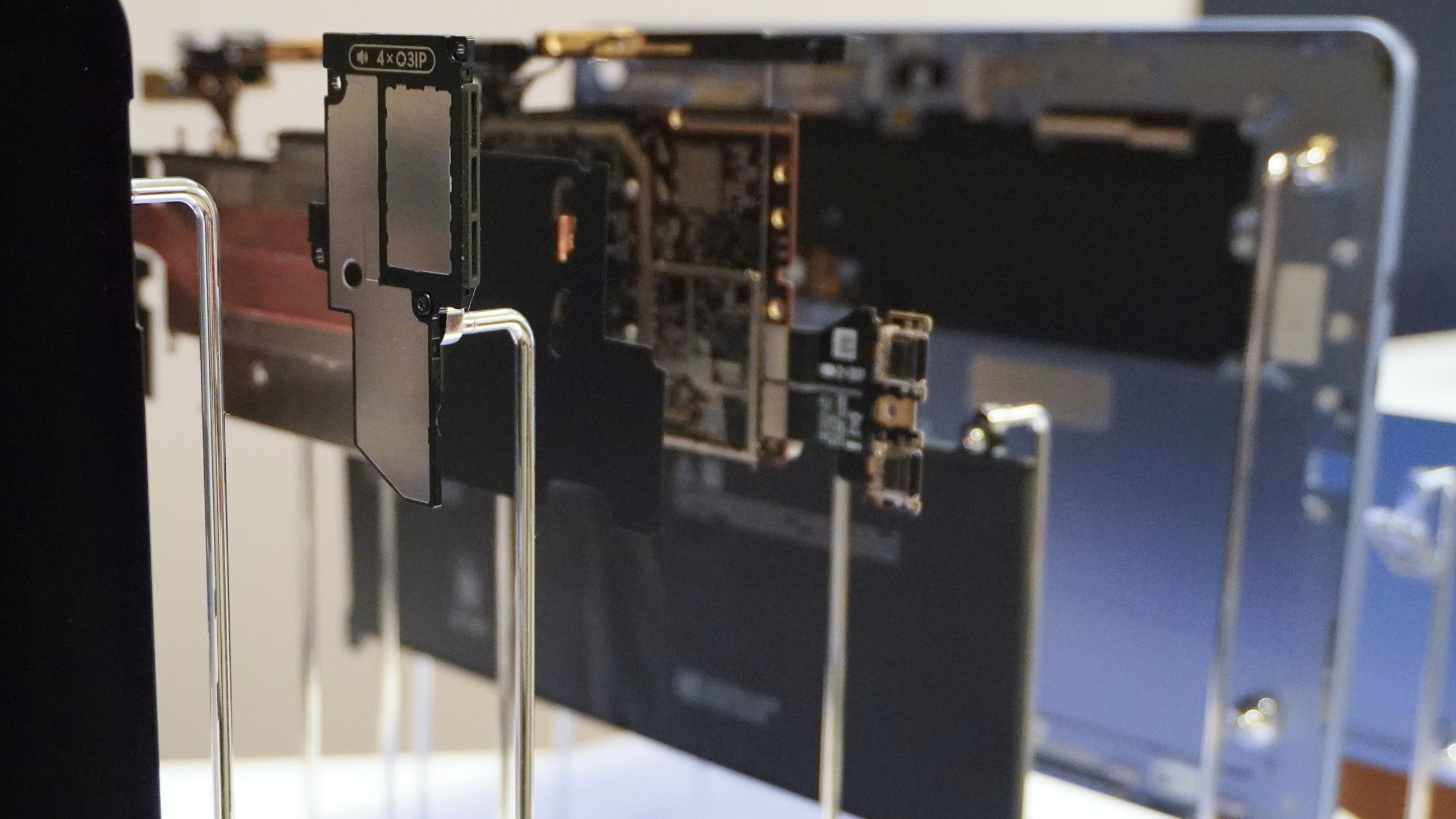
More impressively, this is happening without a fan. I touched the back of the Surface Pro chassis and it remained cool to the touch.
Get instant access to breaking news, the hottest reviews, great deals and helpful tips.
With up to 60% faster graphics rendering and an 80 TOPS NPU handling on-device AI tasks, the X2 Plus architecture is powerful for sure, but this sustained performance without thermal penalties is the real win here.
Hardware, keyboards and the lapability hitchImage 1 of 2
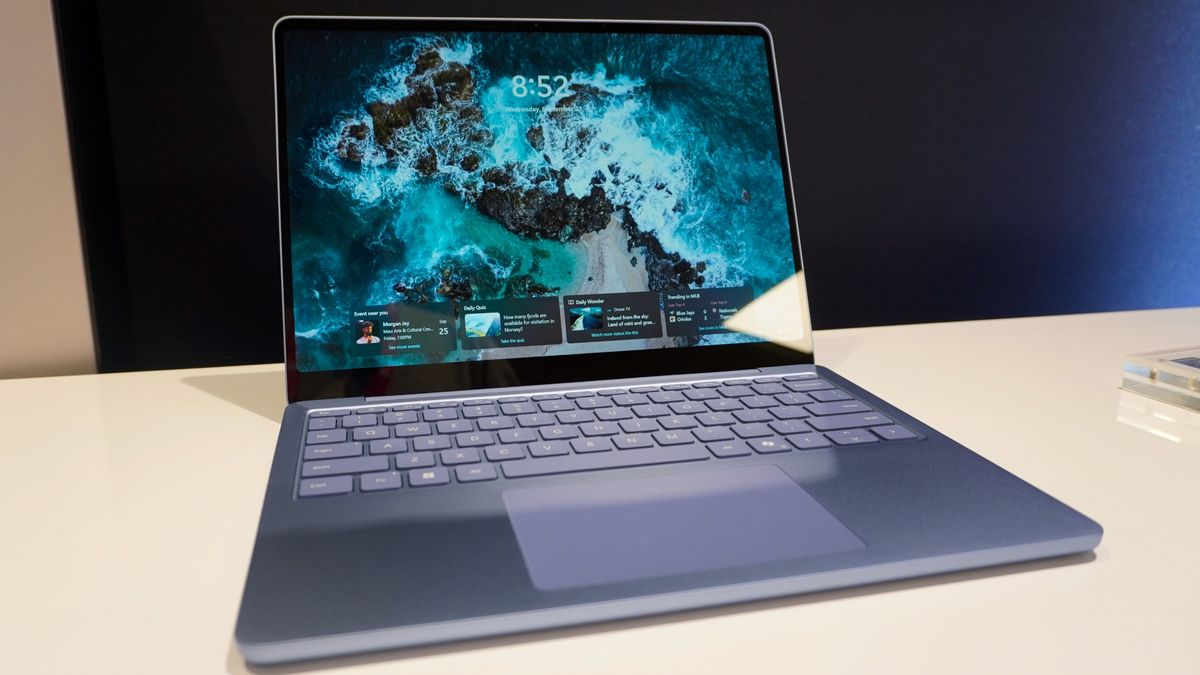
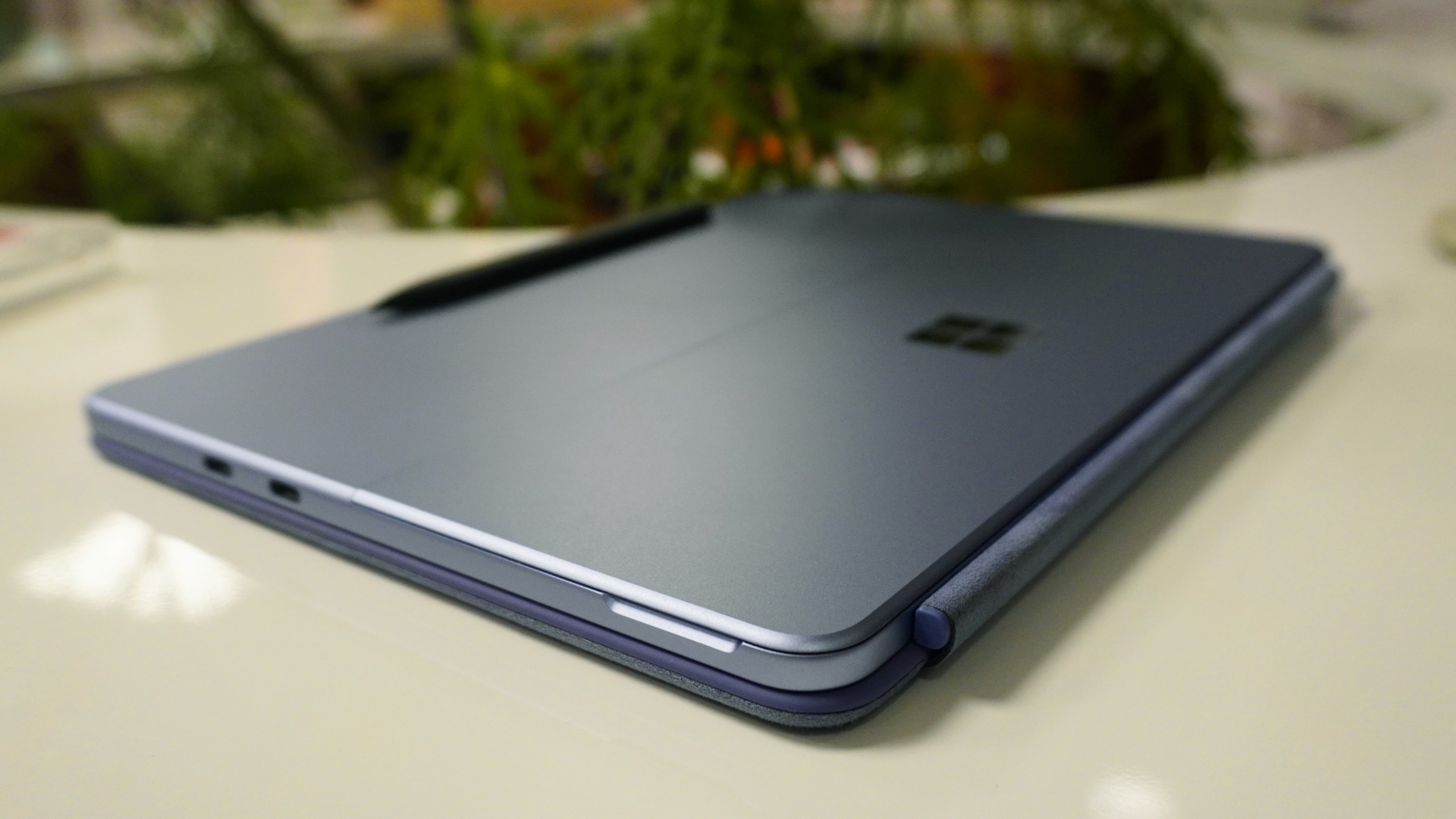
Both machines pack upgraded 500-nit PixelSense displays that look vibrant and punchy in person, and are paired with tactile, responsive keyboards that offer a satisfying travel.
Plus, this is all packed into some gorgeous aluminum shells that feel great to the touch and have an unmistakable playfulness to them in the colors. Those hues do disguise the real power under the hood here.
Also, shoutout to the haptics on that Surface Pen on the Pro — offering a two-way conversation between you and the apps on screen.
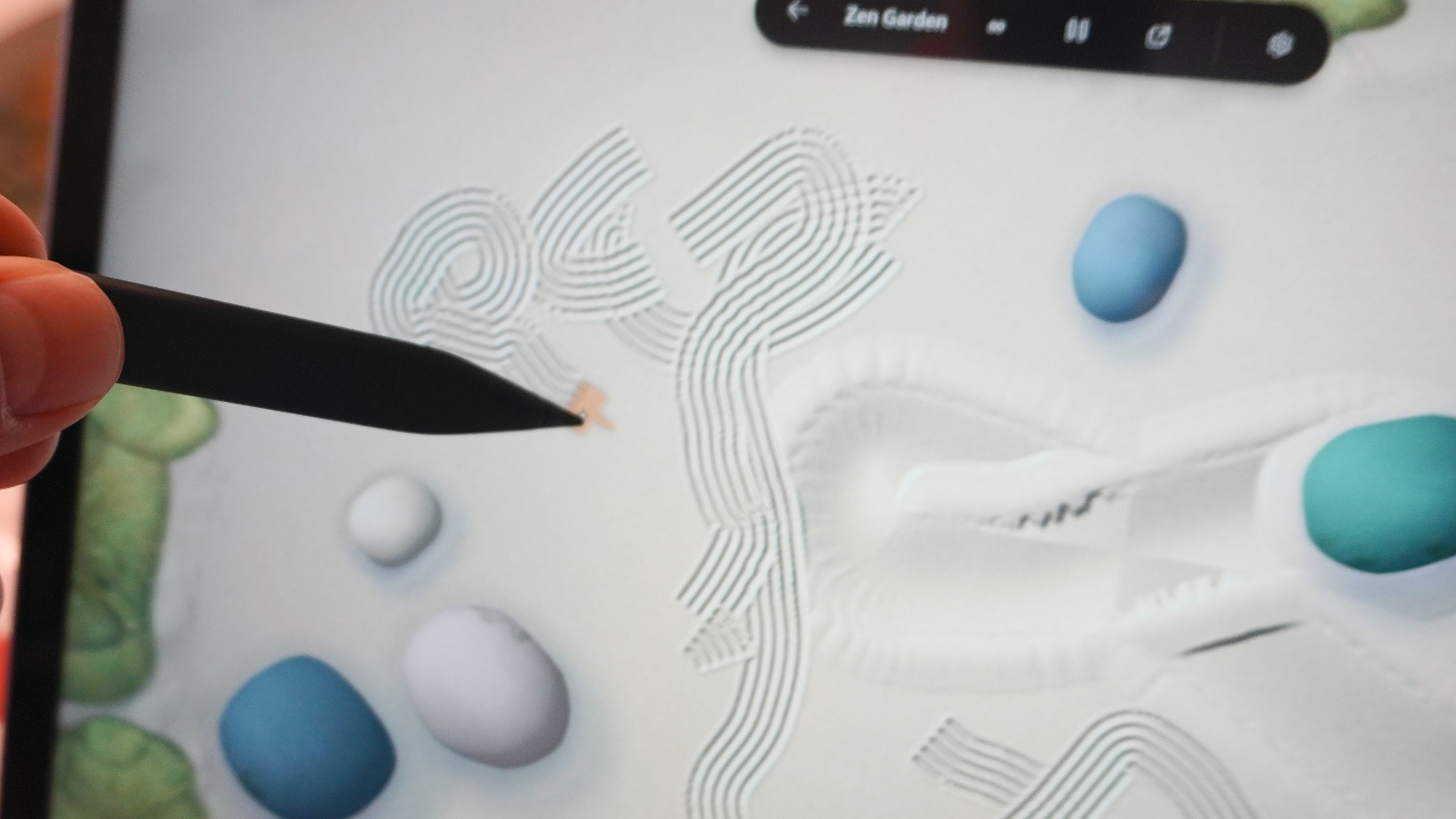
Feeling the sand rumble through the the pen as I rake my zen garden feels like a fun gimmick, but it’s a glimpse of what this tool can do when more apps provide support: feeling a snapback as you align an image in Photoshop, and various swells and pops as you operate around Windows 11.
However, the Surface Pro 12-inch has one notable ergonomic drawback. Whereas on other Surface Pros, you could snap that keyboard deck magnetically to the bottom bezel to form a lock and stabilize the keyboard deck; this attachment connects strictly at the bottom spine.
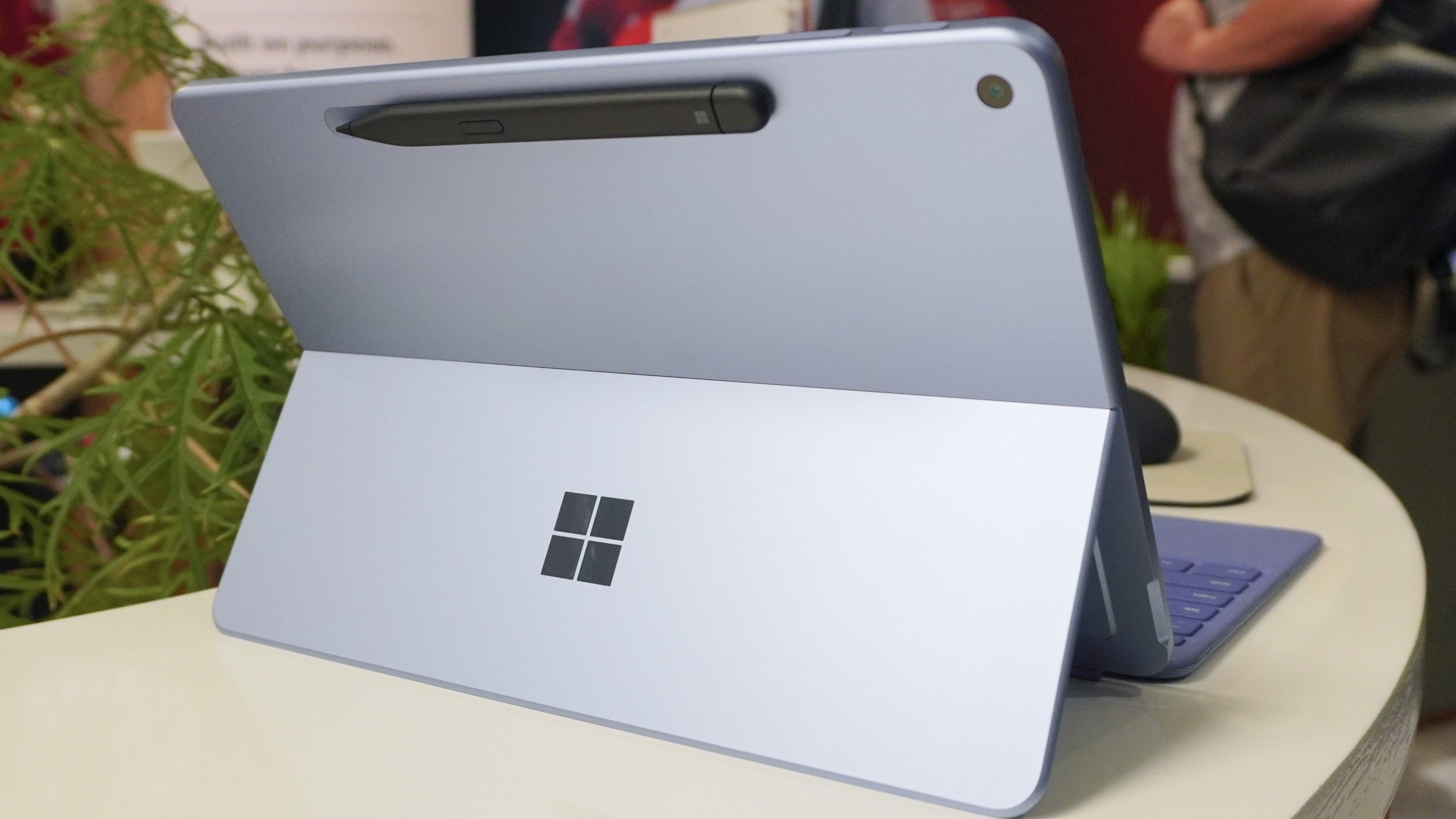
While I wasn’t able to test the lapability trade-off of this, I can imagine that without the angled magnetic brace, using this on your lap would feel wobblier than a traditional clamshell. I’d have to find out for myself to be sure.
My early verdict
Starting at $1,149 for the Surface Pro and $1,199 for the Surface Laptop, that’s quite a RAMageddon sting, but they are being priced directly against Apple’s core lineup.
While the Surface Pro is the creators choice, but wrestles with its kickstand ergonomics, the clamshell Surface Laptop offers the best of both worlds.
And their fanless operation, sustained thermal composure and snappy silicon make the Surface Pro and Surface Laptop the closest Microsoft has come to matching the everyday magic of the MacBook Air.
Follow Tom's Guide on Google News and add us as a preferred source to get our up-to-date news, analysis, and reviews in your feeds.
Jason brings a decade of tech and gaming journalism experience to his role as a Managing Editor of Computing at Tom's Guide. He has previously written for Laptop Mag, Tom's Hardware, Kotaku, Stuff and BBC Science Focus. In his spare time, you'll find Jason looking for good dogs to pet or thinking about eating pizza if he isn't already.
| # | Наименование новости | Тональность | Информативность | Дата публикации |
|---|---|---|---|---|
| 1 | Microsoft обновила ноутбуки Surface Pro процессорами Snapdragon X2 Plus | 0 | 10.16 | 24-09-2026 |
| 2 | Microsoft представила обновлённые Surface Pro 12 и Surface Laptop 13 на процессоре Snapdragon X2 Plus | 0 | 25.72 | 24-09-2026 |
| 3 | Microsoft представила обновлённые Surface Pro 12 и Surface Laptop 13 на процессоре Snapdragon X2 Plus | 0 | 25.72 | 24-09-2026 |
| 4 | Microsoft представила 12-дюймовый планшет Surface Pro на Snapdragon X2 Plus | 0 | 8.98 | 24-09-2026 |
| 5 | This eGPU hack proved Snapdragon laptops can game with an RTX GPU, but developers need to catch up | 0 | 8.15 | 04-08-2026 |
| 6 | M5 Max and M5 Pro MacBook Pro Announced | 0 | 7.44 | 06-03-2026 |
| 7 | "It's not great news": Halo: Campaign Evolved on the Snapdragon X2 Elite Extreme shows how far Windows on Arm gaming still has to go | 0 | 6.38 | 03-08-2026 |
| 8 | Snapdragon X Elite Laptop Experience Still Lackluster On Ubuntu 26.04 LTS | 0 | 8.21 | 24-07-2026 |
| 9 | MacBook with Touchscreen Capabilities Confirmed | 0 | 8.53 | 15-06-2026 |